
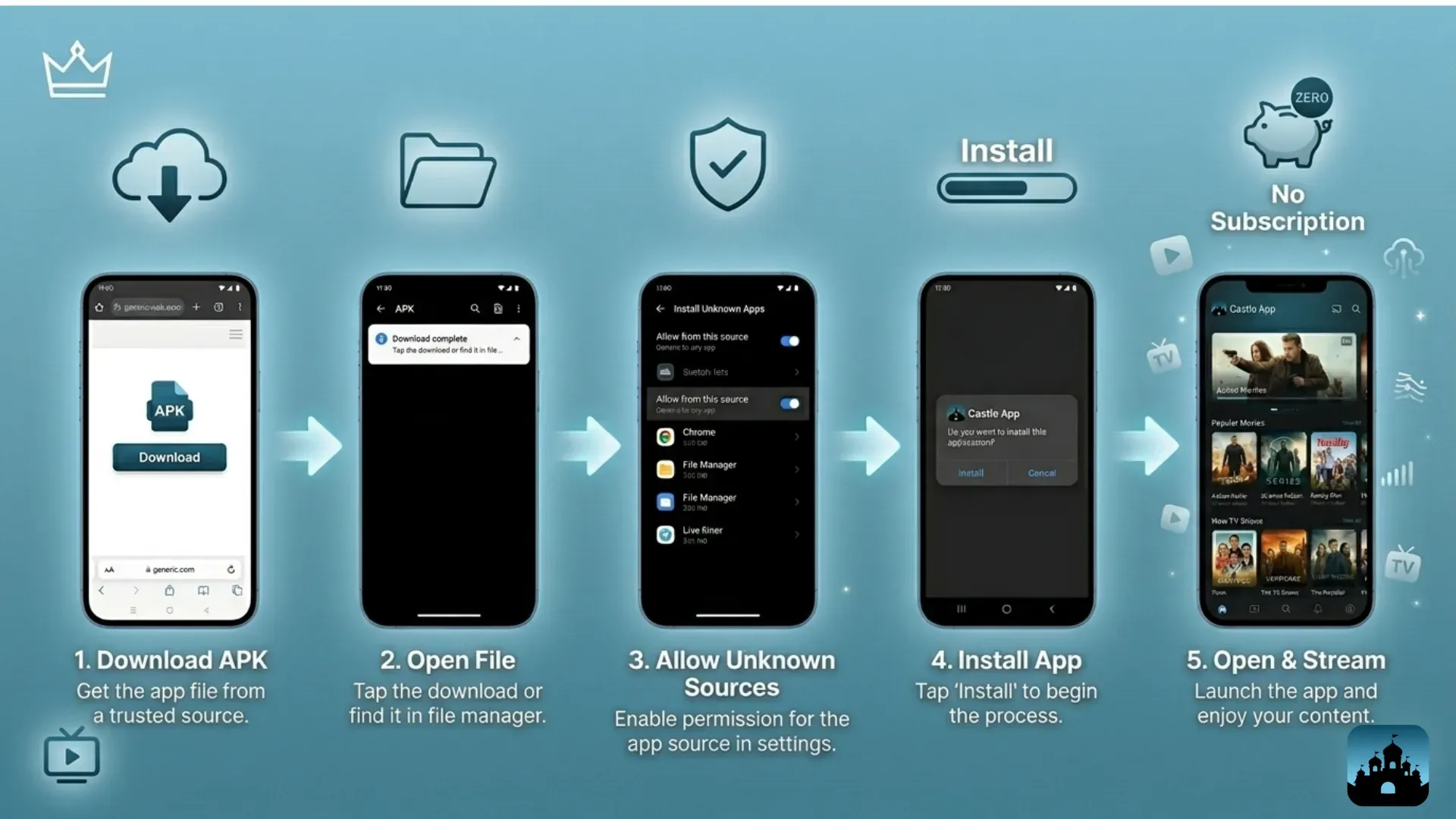
Getting started with Castle App is a straightforward process designed to help users quickly access its features and benefits. The app focuses on providing secure authentication services, making it an ideal choice for developers and businesses looking to enhance their security measures without complexity. To begin, the first step is to create an account by visiting the Castle website or downloading the app from your device’s app store. Once installed, you will be prompted to register using your email address and set a strong password. This initial setup ensures that your account remains protected from unauthorized access.
After creating your account, it is important to verify your email address through the confirmation link sent to your inbox. This verification step activates your account and allows you full access to all functionalities within castle app. Upon logging in for the first time, you are greeted with a clean and intuitive dashboard that displays key metrics related to user activity and security alerts. The design emphasizes ease of use so that even those new to authentication services can navigate confidently.
Next, integrating Castle into your existing system requires generating API keys from within the dashboard settings. These keys serve as credentials allowing seamless communication between Castle and your application or website. It is advisable to keep these keys confidential since they control access permissions linked directly to your account’s security framework. Once obtained, follow the detailed documentation provided by Castle which guides you through embedding necessary code snippets into your platform’s backend.
The integration supports multiple programming languages such as JavaScript, Python, Ruby, and others commonly used in web development environments. After implementation, test the connection by simulating login attempts or other authentication scenarios offered within Castle’s testing tools section inside the dashboard interface. Monitoring real-time analytics helps identify any suspicious activities early on while providing insights into user behavior patterns.
Castle also offers customizable risk assessment rules that allow tailoring security protocols according to specific needs like geographical restrictions or device fingerprinting requirements. These configurations enable proactive defense mechanisms against potential threats without compromising legitimate user experience.
Finally, ongoing management includes reviewing reports regularly through automated emails or direct dashboard notifications ensuring continuous protection over time. Customer support channels remain accessible if questions arise during setup or daily operations.
By following these steps carefully from registration through integration and monitoring phases, users can leverage Castle App effectively for robust authentication solutions tailored precisely for their projects’ demands.